How to Make a Book
Earlier this month, we launched Book in collaboration with Moleskine, makers of the legendary notebook. Now you can create custom-printed journals right from Paper. It’s the simplest and most beautiful way to bring your ideas to life and share them with others. (After all, holidays are right around the corner.)
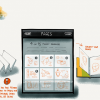
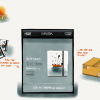
Books are easy to make. Here’s how:
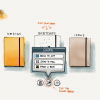
1. Open Paper and find the journal you want. Tap on Share arrow.
2. Select “Print a Book.”
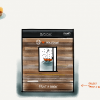
3. Pick a cover color (or classic black hardcover).
4. Select up to 15 pages.
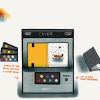
5. Pick the number of Books you want. Log in or create an account to place your order.Have a question? Check out our Book FAQ. Watch our new video to get inspired.
Illustrations made with Paper by Mattia Labadessa